
A year of wedding planning produces hundreds of decisions, a dozen contracts, and a payment schedule nobody hands you in one piece. Couples do not lose track because they are careless; they lose track because the information has no home. Staying organized during wedding planning is a systems problem, and the system is five documents and a weekly half hour.
One source of truth
The spine of the system is a single master list of everything that must happen, each line with an owner and a date. A complete wedding planning checklist runs far past the obvious twenty tasks, and that is the point: the system exists to hold what memory will not.
Order comes from the calendar rather than from panic. Each task lives in a month, the 12-month schedule underneath it is what the weekly session maintains, and anything that misses its month moves forward deliberately instead of silently.
The operating rule is exclusivity. A task agreed in a car ride gets entered that evening or it is gone; a date mentioned on a vendor call goes in before hanging up. One list that is complete beats three lists that are plausible.
The decision log
The decision log is the document nobody keeps and everyone turns out to need. One line per decision: the date, what was decided, who decided it, and what it costs. March 3: bar is beer and wine only, decided together, keeps catering under the minimum.
Its value is the argument you do not have twice. Month six's are-we-sure-about-the-DJ gets answered by month two's line instead of by a second evening of research. The log does not forbid reopening a decision; it makes reopening a choice rather than an accident.
It also converts memory into record. Anything agreed with a vendor by phone goes into the log and then into a one-line confirmation email. When a contract or an invoice later disagrees, the thread exists.

The vendor contact sheet
One row per vendor: company, contact person, phone, email, what they are contracted to deliver, deposit paid and its date, balance and its due date, and arrival and departure times for the day. Counting rentals, transport, hair and cake, 15 rows is ordinary.
The sheet earns its keep twice. During planning it is where who-are-we-waiting-on gets answered in ten seconds. In the final week it prints as the day-of call sheet for whoever is running the day, so no vendor phones the couple to ask where the loading dock is.
The payment calendar
Wedding contracts stagger money: deposit at signing, an installment or two, balance due before the event. Every due date goes into one calendar the day the contract is signed, with a reminder a week out, and the calendar reconciles once a month against the budget spreadsheet running the money side of the system.
Pay by credit card where vendors take one without a surcharge. Cards leave a searchable record and carry federal dispute rights: a billing error has to be disputed within 60 calendar days of the charge appearing on a statement, which is one more reason statements and contracts live in the same folder.
Anything moving by mail needs float built in. First-Class Mail runs 1 to 5 days, so a check due Friday cannot go in a mailbox on Wednesday, and invitation timelines inherit the same arithmetic.
Spreadsheet, folder, wall
Everything the year produces belongs in one of three homes, and most arguments about planning apps are really arguments about which home something belongs in.
| Home | What lives there |
|---|---|
| Spreadsheet | Anything with rows: guest list, budget, payment schedule, RSVPs, the vendor sheet |
| One folder | Anything signed or paid: contracts, quotes, receipts, insurance certificates |
| Wall | Anything consulted daily: this month's deadlines, the countdown, the seating draft |
One folder means one. A single cloud folder or a single physical file, contents named so a stranger could retrieve them: photographer contract, caterer final quote, florist deposit receipt. The test is retrieval under stress. When a vendor claims the balance was due last week, the contract should be in hand inside a minute.
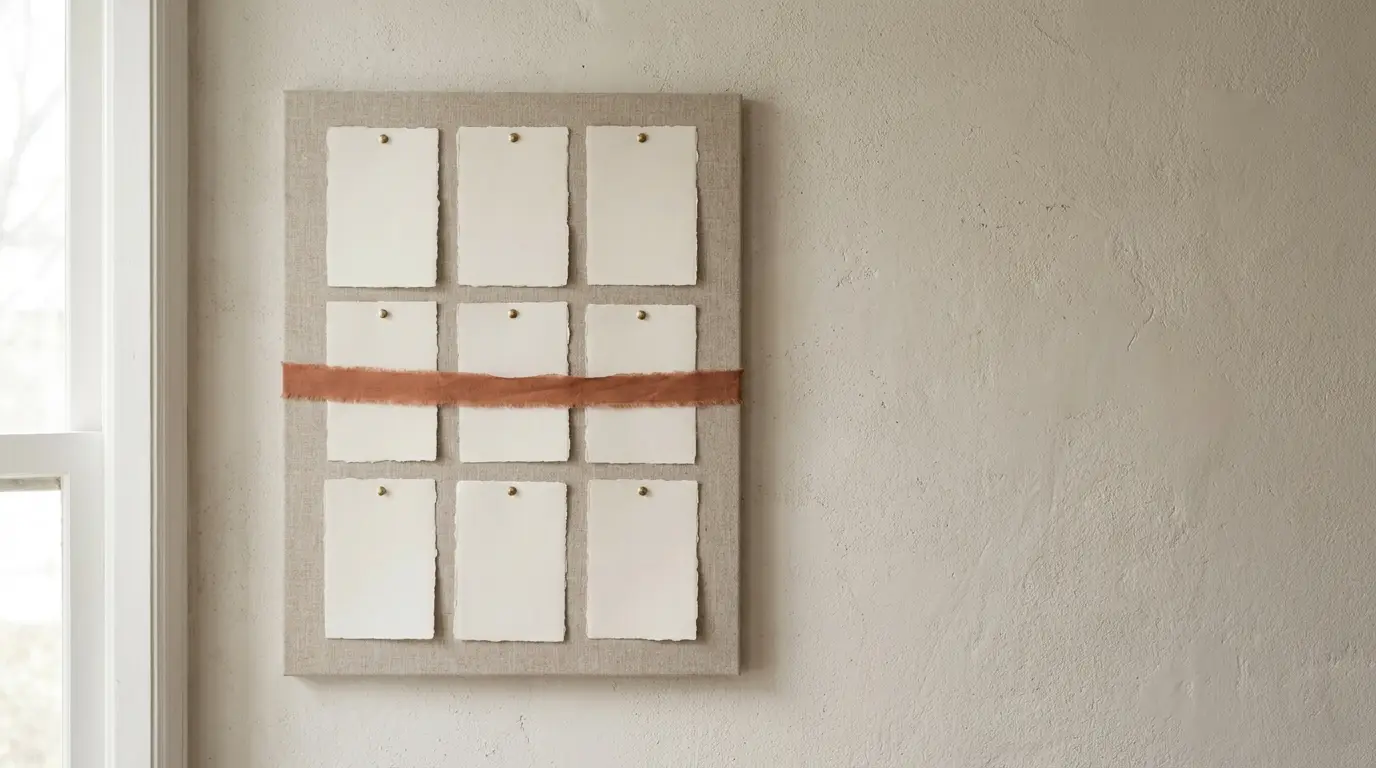
The wall holds state, not storage. Three index cards with the next three deadlines beat a poster-sized timeline nobody updates. The point is passive visibility: the deadline you see while making coffee is the one that does not slip.
Paper or digital: pick one home
The binder is not the nostalgic option. Contracts still arrive as paper to sign and keep, fabric swatches and invitation proofs are physical objects, and a binder with dividers travels to vendor meetings and shows the whole system in a flip. Nothing about paper is the problem.
Digital wins on search, backup and sharing. A cloud folder sits in both partners' pockets, survives spilled coffee and lost bags, and lets a planner or a parent read the current version without a phone call. Nothing about digital is the problem either.
The problem is two homes. Half the contracts in a binder and half in an inbox produces two archives, each believed complete. Pick the home you would search first at 11 p.m., and convert weekly in one direction: paper scanned in, or files printed and filed.
The weekly half hour
The system runs on one standing session, 30 minutes, same day every week. Empty the inboxes into the system: tasks onto the checklist, dates onto the payment calendar, files into the folder, decisions into the log. Then read one month ahead and confirm what the next seven days require.
The session is also the gauge. When it repeatedly runs past 2 hours, the workload has outgrown the system rather than your discipline, and handing the vendor traffic to a professional planner is what the partial and month-of tiers were built for. The system does not replace one; it is what you hand over.
Key takeaways
- Run one master checklist; if a task is not on it, it does not exist.
- Keep a one-line decision log: date, decision, who, cost. Confirm phone agreements by email the same day.
- Build the vendor sheet as you book; print it as the day-of call sheet.
- Calendar every contracted due date at signing. Pay by card for the 60-day dispute window, and give mailed payments 1 to 5 days of float.
- Three homes: spreadsheets for rows, one named folder for signed-and-paid, the wall for this month.
- Pick paper or digital and convert weekly in one direction. 30 minutes a week keeps the system true.
Frequently asked questions
What is the best way to stay organized while planning a wedding?
Run a five-document system: a master checklist as the single source of truth, a decision log, a vendor contact sheet, a payment calendar, and one folder for contracts and receipts. Maintain it in one 30-minute session a week. The tool matters less than the rule that nothing lives outside the system.
Should I use a wedding planning binder or an app?
Whichever you would search first at 11 p.m.; both work. Binders shine at vendor meetings and with physical items like swatches and proofs; digital wins on search, backup and sharing with a partner or planner. The failure mode is running both halfway, so pick one home and convert the other into it weekly.
What is a wedding decision log?
A running list with one line per decision: the date, what was decided, who decided it, and what it costs. It stops settled questions from being reargued months later and turns phone agreements into records once each line is confirmed by a short email. It is the cheapest document in the system and the one most missed.
How do I keep track of wedding vendor payments?
Enter every contracted due date into one calendar the day you sign, with a reminder a week ahead, and reconcile monthly against the budget. Pay by credit card where possible: billing errors carry a federal dispute window of 60 calendar days from the statement the charge appears on, and card statements double as records.
Do I need a separate email address for wedding planning?
It helps, but a dedicated folder and a filter in your existing inbox achieves most of the same thing. What matters is that every vendor thread lands in one searchable place that both partners can reach. A separate address earns its keep mainly on long engagements and heavy vendor marketing.
What goes on a wedding vendor contact sheet?
One row per vendor: company, contact name, phone, email, contracted deliverables, deposit paid and date, balance and due date, and day-of arrival and departure times. Around 15 rows is ordinary once rentals, transport, hair and cake are counted. Print it in the final week as the day-of call sheet.
How many hours a week does wedding planning take?
It varies by phase: the booking months and the final six weeks are the heaviest, and the middle stretch is mostly maintenance. The organizing overhead itself is about 30 minutes a week if the system is running. When the total regularly crowds out a job, that is the signal to price professional help rather than a bigger binder.
What wedding documents should I keep after the wedding?
Contracts and receipts until every balance has cleared and the 60-day card dispute window on the last statement has passed. Keep insurance certificates until well after the event, and keep the decision log, which costs nothing to archive and settles any late dispute about what was agreed.
How do couples split wedding planning tasks?
Put an owner on every task and every vendor. Whoever owns a vendor owns its emails, its row on the contact sheet and its due dates, which prevents the both-of-us-thought-the-other-replied failure. Decisions that bind both people go through the log, and the weekly session is run together.
When should we set up a wedding planning system?
Before the first contract, because the first signature creates the first due date. Retrofitting a system in month four means archaeology through an inbox; starting it in week one means an afternoon building five empty documents. The system is cheapest when there is nothing in it yet.